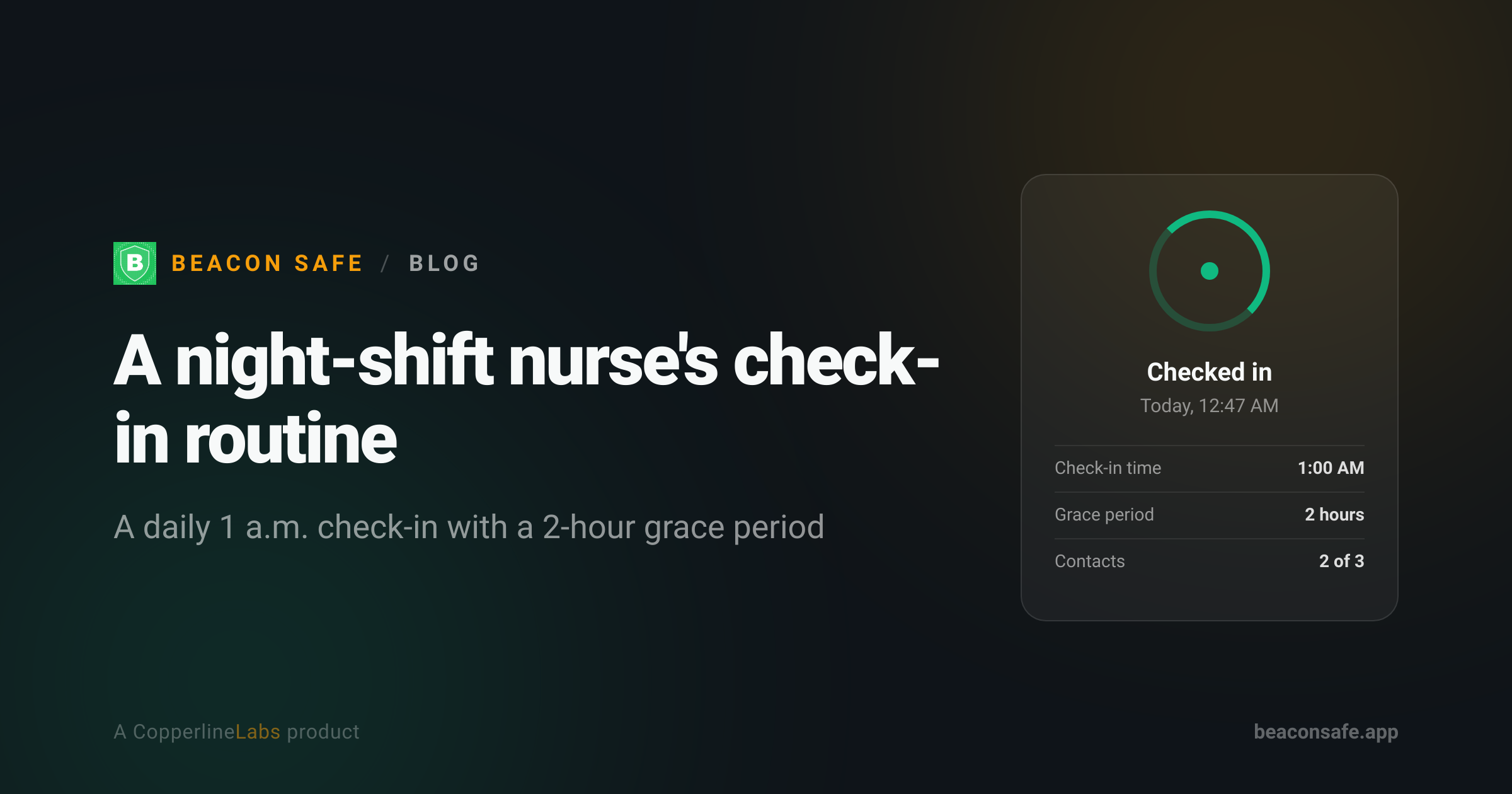
Maya works three 12-hour night shifts a week in a hospital ICU and sets a daily 1 a.m. check-in on Beacon Safe before her Uber pulls away. If she doesn't confirm within the 2-hour grace period, her sister and her best friend get an email and text together, then an automated call about 5 minutes later — even if her phone is dead by the time she reaches her building.
The shift that never ends on time
Report at the end of a 12-hour ICU shift is never quick. A patient crashes at 6:45, a family needs twenty more minutes of conversation, the incoming nurse is running late — and suddenly Maya is walking out of the hospital forty-five minutes after she meant to. Her mother used to call around midnight "just to check," which meant Maya's phone would light up mid-handoff, or she'd get home to three missed calls and a voicemail asking if she was okay.
That's the specific problem a daily check-in solves better than a phone call: it doesn't require anyone to guess the right time to worry. Maya set her Beacon Safe check-in for 1 a.m. — not her shift's official end time, but roughly when she's usually walking in her own front door after the commute. If she's running late, she has a 2-hour grace period before anything happens. A slow handoff or a delayed Uber doesn't set off any alarms.
Why a 1 a.m. deadline, not midnight
The temptation is to set the check-in for the exact moment a shift is supposed to end. Maya tried that for a week and it didn't work — ICU shifts don't run on a clock, and she found herself checking in from the break room mid-handoff just to avoid a missed deadline. Moving the deadline back to 1 a.m., with the grace period layered on top, gave her a window that matched how the job actually goes instead of how the schedule says it should go.
She's not alone in adjusting the time to fit the job rather than the shift printout — it's one of the more common tweaks night-shift and lone workers make once they've used a check-in routine for a couple of weeks.
The parking garage problem
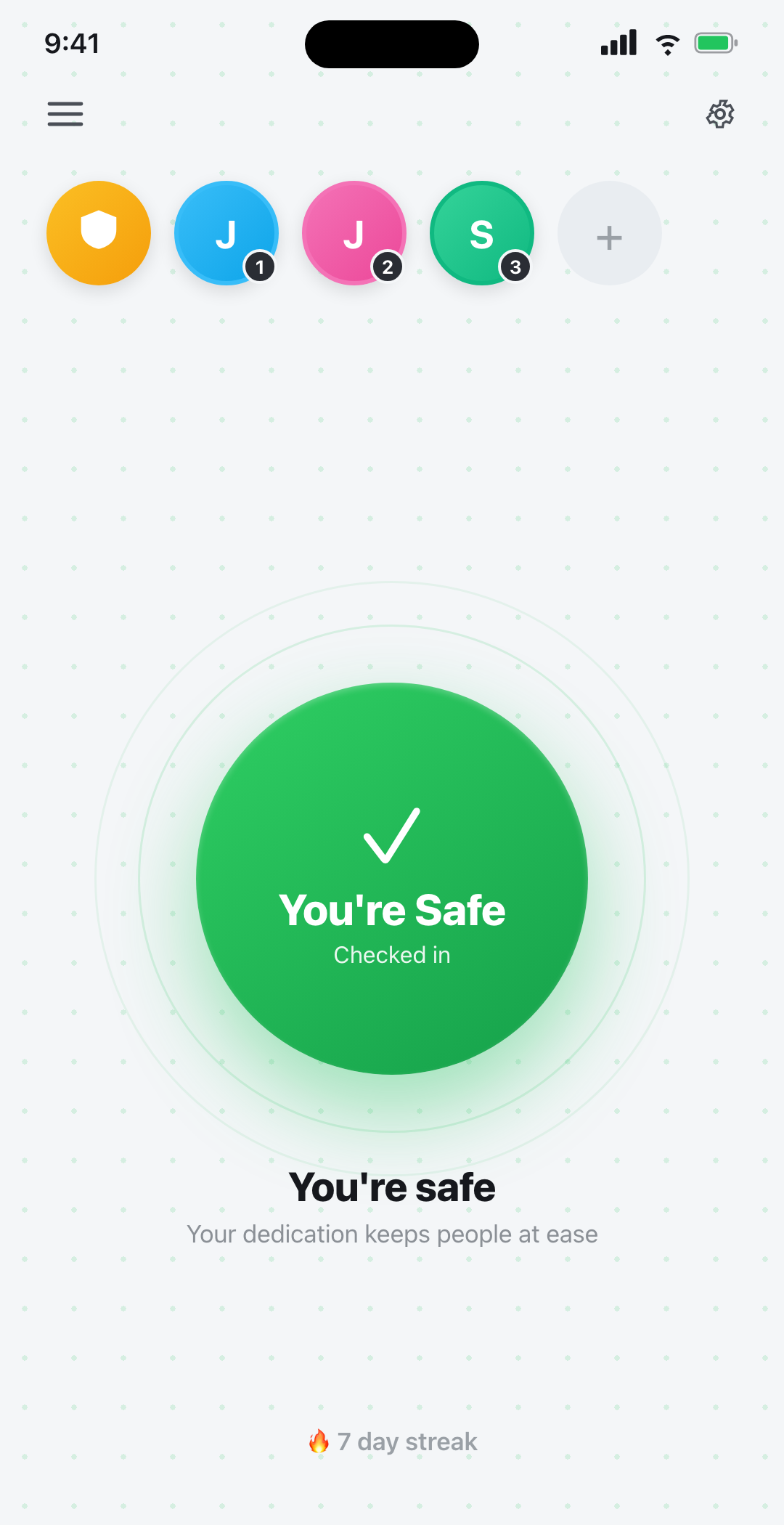
Maya's hospital parking garage has close to no signal on the lower levels. For a while that made her nervous about relying on an app at all — what if she was in a dead zone right when her deadline hit? Two things changed her mind. First, she doesn't wait for the deadline: she opens Beacon Safe and checks in as soon as she's back in range, usually from her car before she even starts driving, which resets the clock well before 1 a.m. Second, and more importantly, the check-in deadline itself runs on Beacon's servers, not her phone. If her phone were ever off, out of signal, or dead when the deadline actually arrived, the alert would still go out on schedule. A dead battery in a bad parking garage doesn't mean nobody finds out.
That's the same underlying mechanism behind most check-in and dead man's switch apps: the timer lives somewhere that doesn't depend on the one device most likely to fail you at 1 a.m.
Two contacts, not a tracker
Maya's contact list is short on purpose: her sister and her best friend from nursing school, both on Beacon Safe's free tier, which covers up to 3 emergency contacts with email alerts and unlimited check-ins at no cost. She looked at a couple of location-sharing apps before settling on a check-in routine and ruled them out for the same reason a lot of people do — she didn't want a running map of her commute, just confirmation that she made it. Beacon Safe has no location tracking, ever; it only reacts to whether she checked in by her deadline, not to where she's been.
If Maya ever needed the faster escalation — SMS and an automated phone call in addition to email, plus up to 10 contacts — that's what the $19.99/month Plus plan adds. For now, email to two people who know her shift schedule is enough.
What actually happens on a missed check-in
Maya has never missed her window badly enough to trigger a real alert, but she tested it once on purpose so she'd know what her sister would actually see. The sequence, in order: at the 2-hour mark past her deadline, her contacts get an email (and a text, on a plan with SMS enabled) at the same time; if nobody has responded, an automated voice call goes out about 5 minutes after that; a follow-up notification fires roughly 4 hours later if the check-in is still unresolved; and a re-alert repeats at the 24-hour mark until someone confirms she's safe. None of it requires her contacts to have the app — they respond with a tap on a secure link, a text reply, or a phone keypress.
Running the test mattered more than she expected. Her sister knew exactly what the alert meant when it landed, instead of finding a strange automated call at 3 a.m. confusing. For anyone setting this up for the first time, that dry run — explained on the how it works page — is worth doing before you actually need it.
A routine that fits the job, not the other way around
What made the habit stick wasn't a single feature; it was that the check-in fit around Maya's actual schedule instead of asking her to change it. She doesn't have to remember to call anyone. She doesn't get a worried text mid-handoff. Her family doesn't have to guess at the right hour to start wondering. The deadline just sits there quietly until she's home — or until it isn't met, at which point it stops being quiet.
Beacon Safe is not an emergency service and does not contact 911; in a life-threatening emergency call 911. Alert delivery depends on network availability.
Set up a check-in that fits your shift
A daily, 48-hour, or 72-hour check-in with a real free tier — no location tracking, ever.